
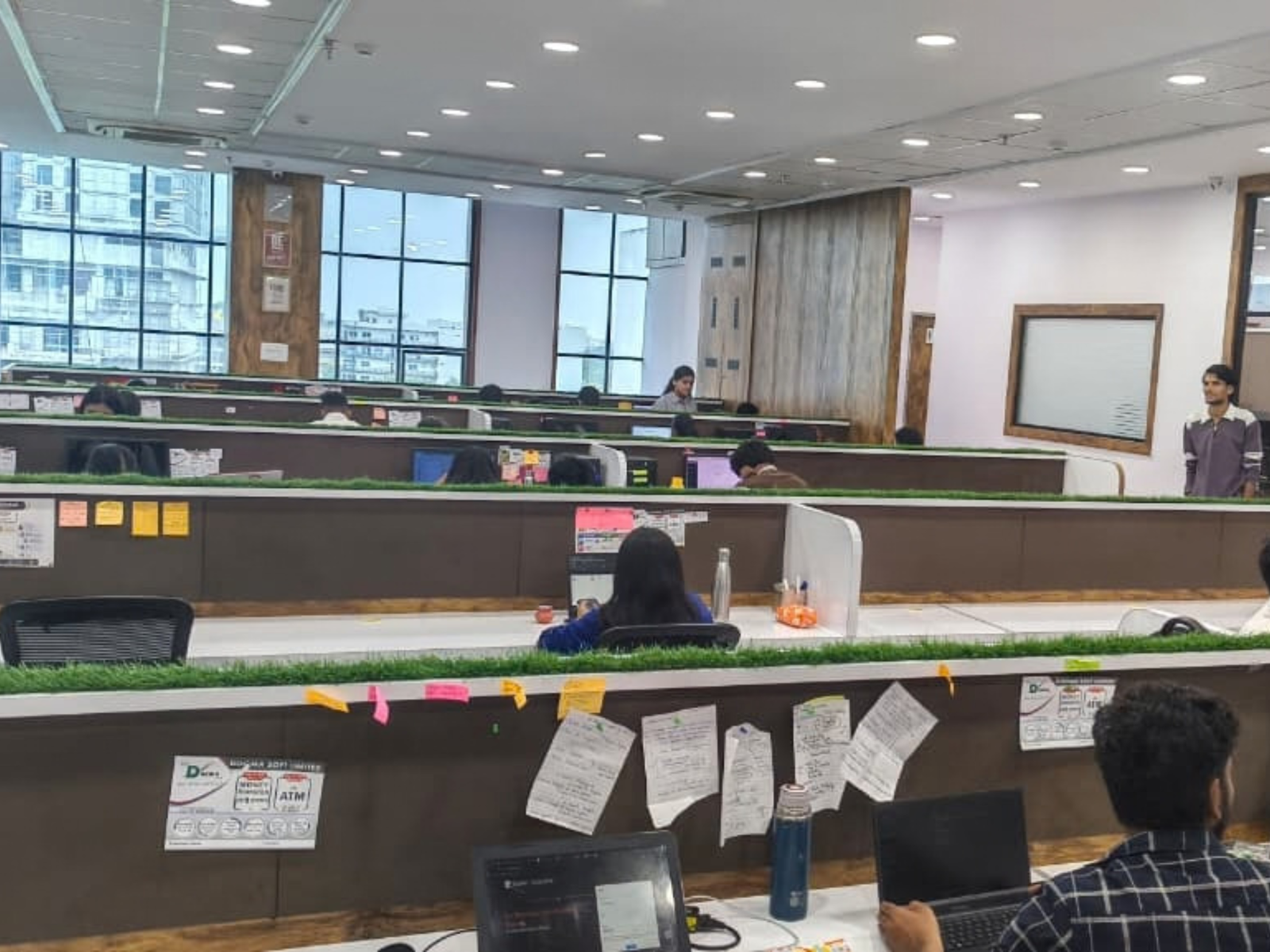
If you have ever left a shared office feeling like you were busy all day but did not finish anything meaningful, you are not alone. The good news is that small changes in how you use the space can make a big difference to your output.
Below are practical, real world productivity tips for shared offices that actually work when you are trying to focus, collaborate, and still have some sanity left at the end of the day.
Know What Kind of Work You Are Doing Today
Not every workday needs the same setup. Before you even pick a seat, ask yourself:
Do I need deep focus for writing, coding, designing, or strategy
Do I need collaboration for brainstorming, team calls, or client meetings
Do I need a mix of both
Most shared offices, including spaces like SpaceDesk, have different zones for different kinds of work.
Quiet or focus zones for solo, heads down work
Collaboration zones with open tables, meeting rooms, and writable walls
Social or community zones like lounges, kitchens, and event areas
If your main goal is deep work, choose a seat in a quiet zone or a corner away from high traffic areas. If you have multiple calls, book a meeting room in advance instead of trying to whisper from a hot desk.
Matching your task to the right zone is one of the simplest ways to boost productivity in a shared office.
Protect Your High Focus Hours
Your brain is not equally sharp all day. Most people have a 2 to 3 hour window where they can do their best concentrated work. In a shared office, that window is precious.
A few ways to protect it:
Block your calendar for 60 to 90 minute focus sprints. Treat these like real meetings you cannot skip.
Schedule deep work during quieter times, such as early morning or right after lunch, when the space is naturally less busy.
Batch shallow tasks like email, Slack, and admin into one or two blocks instead of letting them leak across the whole day.
If you work at a coworking space a few days a week, consider making those days your focus days and leave routine admin for home or other days. That separation alone can make your time at the shared office feel more productive.
Set Clear Boundaries Without Being Rude
Shared offices are social by design, but constant interruptions kill productivity. The trick is to set boundaries in a friendly, professional way.
Practical tactics:
Use headphones as a signal. When they are on, you are in focus mode. Many spaces even have do not disturb signals you can use at your desk.
Let regular neighbors know your focus blocks. A simple I am going heads down until 11, but happy to catch up after works well.
Move to a meeting room for calls. This keeps noise down for others and helps you stay focused too.
You do not have to be unavailable all day. Just make it clear when you are open to chat and when you need uninterrupted time.
Choose Your Seat With Intention
Where you sit in a shared office matters more than most people realize.
Tips for choosing a productive spot:
Avoid high traffic areas if you need focus. Do not sit right next to the entrance, kitchen, or printer.
Sit where the lighting and ergonomics work for you. Good light and a comfortable chair reduce fatigue and keep you working longer without burning out.
Test your connectivity if you rely on video calls or large uploads. Run a quick speed test in the area where you plan to sit, and check for cellular dead zones.
If your membership allows it, try a few different spots over a week and notice where you naturally get more done. Then make that your default.
For people who come regularly, a dedicated desk often beats a hot desk for focus. You settle into a rhythm faster and waste less time finding a place each day.
Manage Noise and Distractions Smartly
Noise is the biggest productivity killer in shared offices. You cannot control everything, but you can reduce its impact.
Try these:
Invest in decent noise cancelling headphones. They are worth it if you spend significant time in open areas.
Use focus friendly sound. Calm instrumental music, white noise, or ambient office sound can mask conversations and make it easier to concentrate.
If possible, choose spaces with proper acoustic design, like quiet zones, sound masking, and well insulated meeting rooms.
Also, be mindful of your own noise. Keep calls in designated areas, and avoid loud side conversations near focus zones. Good shared office culture is a two way street.
Plan Your Day in 5 Minutes Max
Starting your day without a plan in a busy shared office is a recipe for reactive work. You end up answering messages, hopping between tasks, and wondering where the time went.
A simple routine that works:
Before you start, write down your top 3 priorities for the day. Not ten, three.
Assign rough time blocks for each. For example:
9:30 to 11:00 Finish client proposal
11:30 to 12:30 Content outline for new campaign
3:00 to 4:00 Review analytics and prepare report
Keep the plan visible on a notepad, phone notes, or task app so you do not drift.
This does not need to be elaborate. The goal is to stop asking yourself, What should I do next every 20 minutes.
Use the Community Without Letting It Consume You
One of the best things about shared offices is the people. You can get ideas, feedback, referrals, and even new clients just by being around other professionals. But community only helps your productivity if you use it intentionally.
Ways to make it work for you:
Schedule networking or casual chats during breaks or after your focus blocks, not in the middle of them.
Join events that align with your goals, like industry meetups or skill workshops, instead of saying yes to everything.
Turn useful conversations into action. If someone shares a tool or tactic that sounds promising, test it within the week while it is fresh.
Think of the community as a productivity multiplier, not a distraction. It should add value to your work, not replace it.
Build a Simple Reset Routine Between Tasks
Switching from one task to another in a busy environment can feel jarring. A quick reset routine helps your brain shift gears without losing momentum.
Between tasks, try:
Standing up and stretching for a minute
Tidying your desk
Taking a few deep breaths
Getting a glass of water
These tiny breaks signal to your brain that one task is done and a new one is starting. It sounds small, but it makes it easier to stay focused across multiple work blocks.
If You Have 24 by 7 Access, Use It Strategically
Some coworking memberships offer 24 by 7 access. That flexibility can be powerful if you use it with intention.
For example:
If you are a night owl or early riser, schedule your deep work during off peak hours when the space is quiet and you are naturally alert.
Use a split shift approach. A focused morning block at the shared office, then a break, then a lighter admin block later.
The key is to match your hours to your energy and the space rhythm, not just work longer.
Keep Your Digital Workspace as Clean as Your Desk
A cluttered digital setup can hurt your productivity just as much as a messy desk.
Quick wins:
Close unnecessary browser tabs before starting a focus block.
Turn off non essential notifications on your laptop and phone during deep work.
Use Do Not Disturb mode on chat apps for your focus sprints.
Keep your main working windows like docs, design tools, and analytics ready before you start so you are not hunting for files mid session.
Your shared office might be open and social, but your screen does not have to be.
Make the Space Work for Your Style, Not the Other Way Around
Not every shared office will be perfect on day one. The most productive people treat the space as a tool they can shape.
That might mean:
Talking to the community manager about quiet hours or better signage for focus zones.
Suggesting simple norms, like calls only in meeting rooms or headphones mean do not disturb.
Adjusting your own schedule to avoid known busy periods.
You do not need to overhaul the entire setup. Even small tweaks, like agreeing on focus signals with your regular neighbors, can make the environment work much better for you.
Final Thought: Productivity in a Shared Office Is About Choices
You cannot control everything in a shared office, but you do control:
Where you sit
When you do deep work
How you signal your availability
What you allow to interrupt you
Treat your time at the shared office as a resource. Plan it, protect it, and use the environment to support the kind of work you actually want to get done.
If you walk in with a clear plan, the right seat, and a few simple boundaries, you will likely find that a shared office like SpaceDesk does not just feel productive. It actually makes you more productive.